
Dashboard features
Dedicated sections for support and leads
The backend dashboard separates support queues, lead records, and activity feeds so each workflow stays easy to review.
Core modules
Three areas, one portal
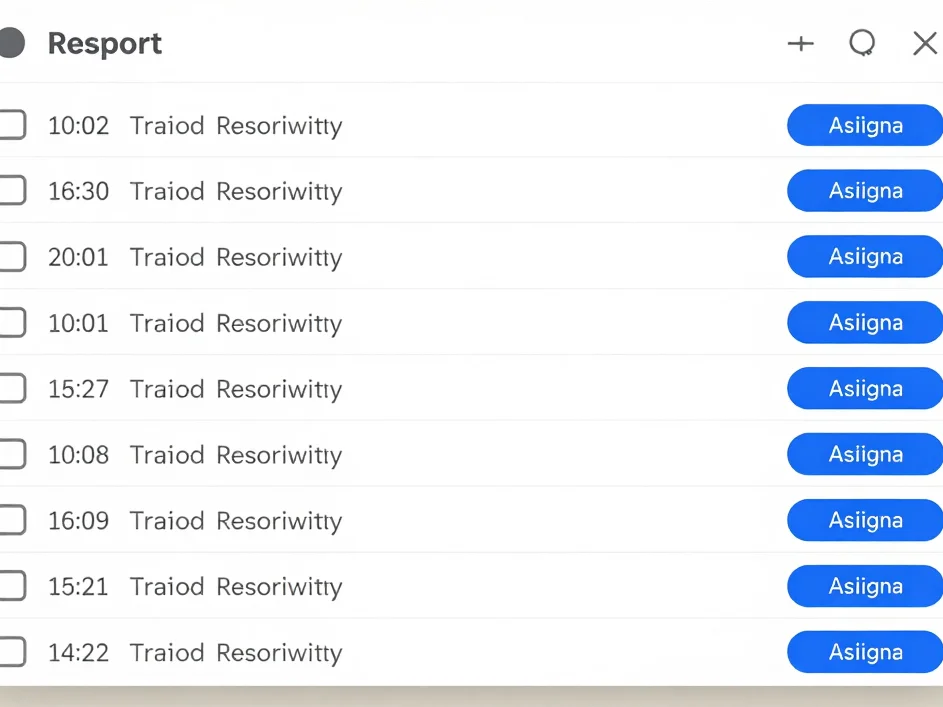
Support
Support request queues
Incoming help tickets appear in a dedicated queue with clear status tracking and assignment tools for each request.
Leads
Lead management sections
Prospect records are isolated in their own section, keeping outreach and partner follow-up orderly and easy to scan.

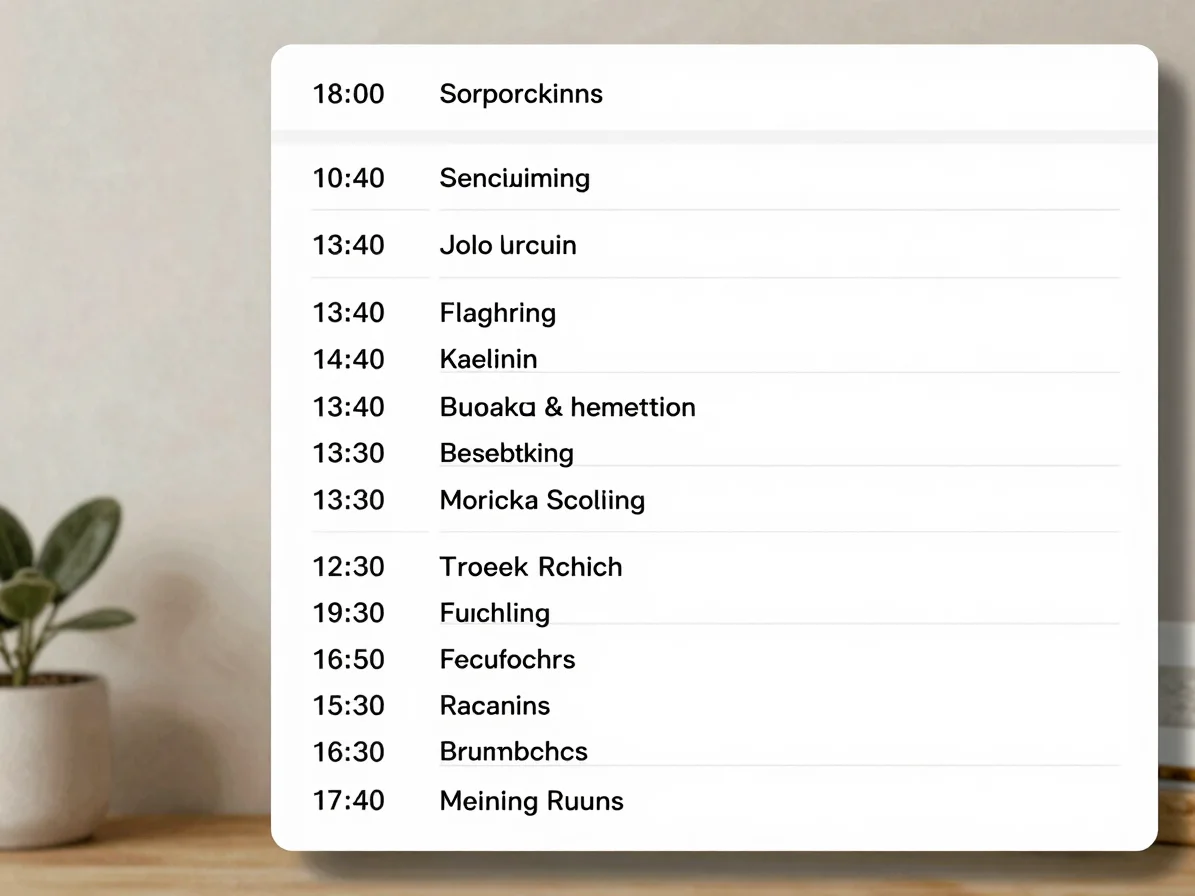
Activity
Activity feed
Administrative actions and platform updates are logged in a single chronological stream for quick review.
Administrator routine
From intake to dispatch
01
Intake
New support requests and leads arrive in their dedicated sections, ready for review.
02
Assign and track
Assign each request, then follow its status through the queue until it is resolved.
03
Resolve
Close support requests and update lead records as outreach progresses.
04
Dispatch
Pass qualified leads to connected CRM or business plugins to continue the work.